Security awareness training your team will actually finish.

Short, scenario-based courses that build real habits — phishing, MFA, passwords and more — with assessments, reporting and annual refreshers handled for you.

15–20
Minutes per course
80%
Pass requirement
∞
Retries included
Why staff training matters

Most security incidents start with a person, not a firewall. A few minutes of the right training, repeated annually, is consistently one of the highest-return investments a business can make in its own defence.

1

Short, practical courses

Each course runs 15–20 minutes and focuses on decisions your team actually has to make — not generic theory.

2

Real-world scenarios

Phishing emails, fraudulent payment requests and suspicious logins are presented the way they really show up at work.

3

Assessed, not just watched

Every course ends with a scored assessment and an 80% pass requirement, with unlimited retries and every attempt retained.

4

Annual refreshers

Training Hub is built for yearly renewal, so awareness doesn't quietly expire twelve months after the first course.

5

Employer reporting

A live dashboard shows who's assigned, in progress, completed or overdue — with results you can export any time.

6

Your branding, not ours

Every organisation gets its own space with its own logo and contacts, so training always looks like it comes from you.

Course catalogue

Security Essentials 2026 is live today. The rest of the catalogue is in development and will be added as each course is built.

Security Essentials 2026

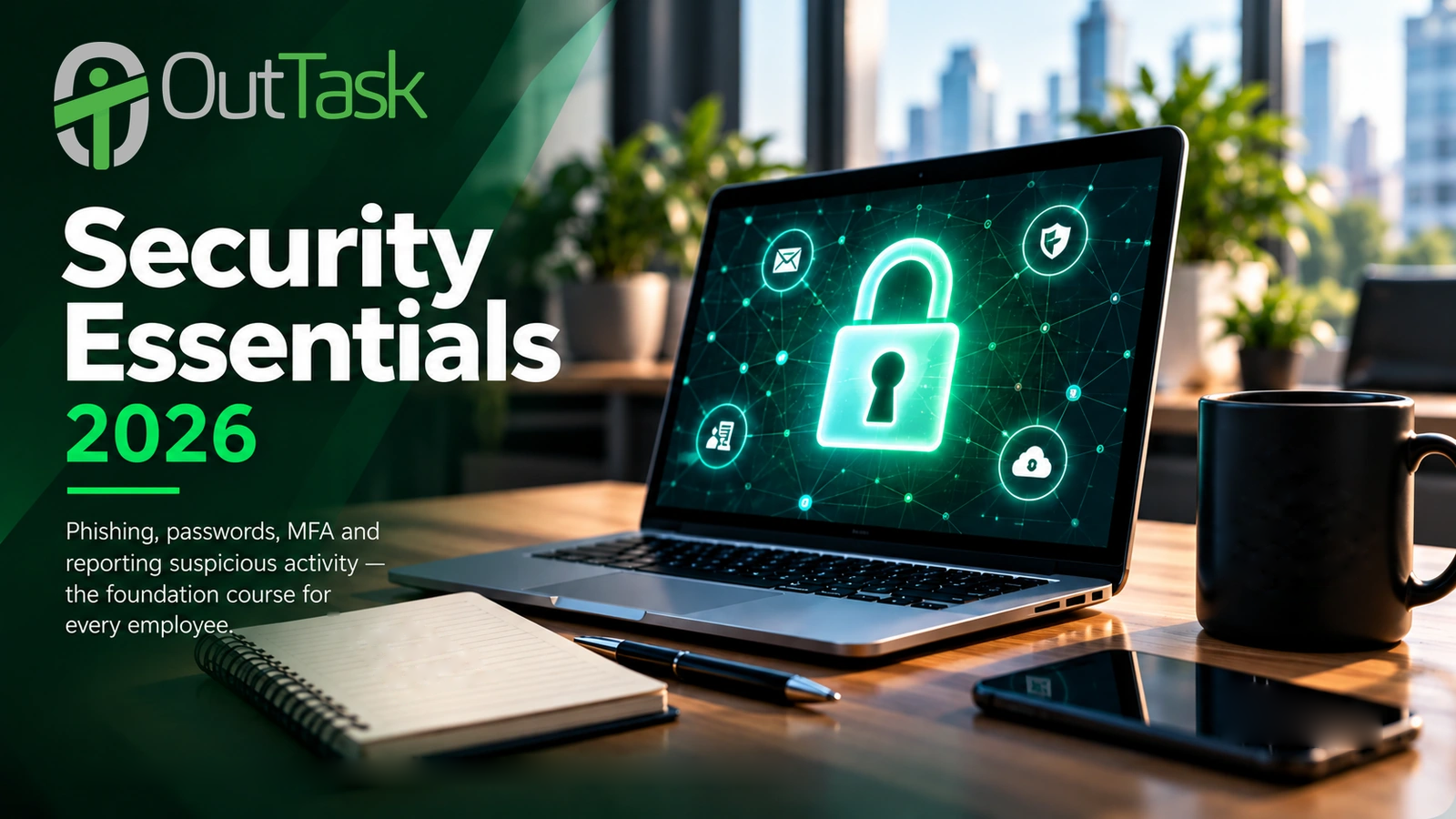
Phishing, passwords, MFA and reporting suspicious activity — the foundation course for every employee.

Live

Microsoft Teams Essentials 2026

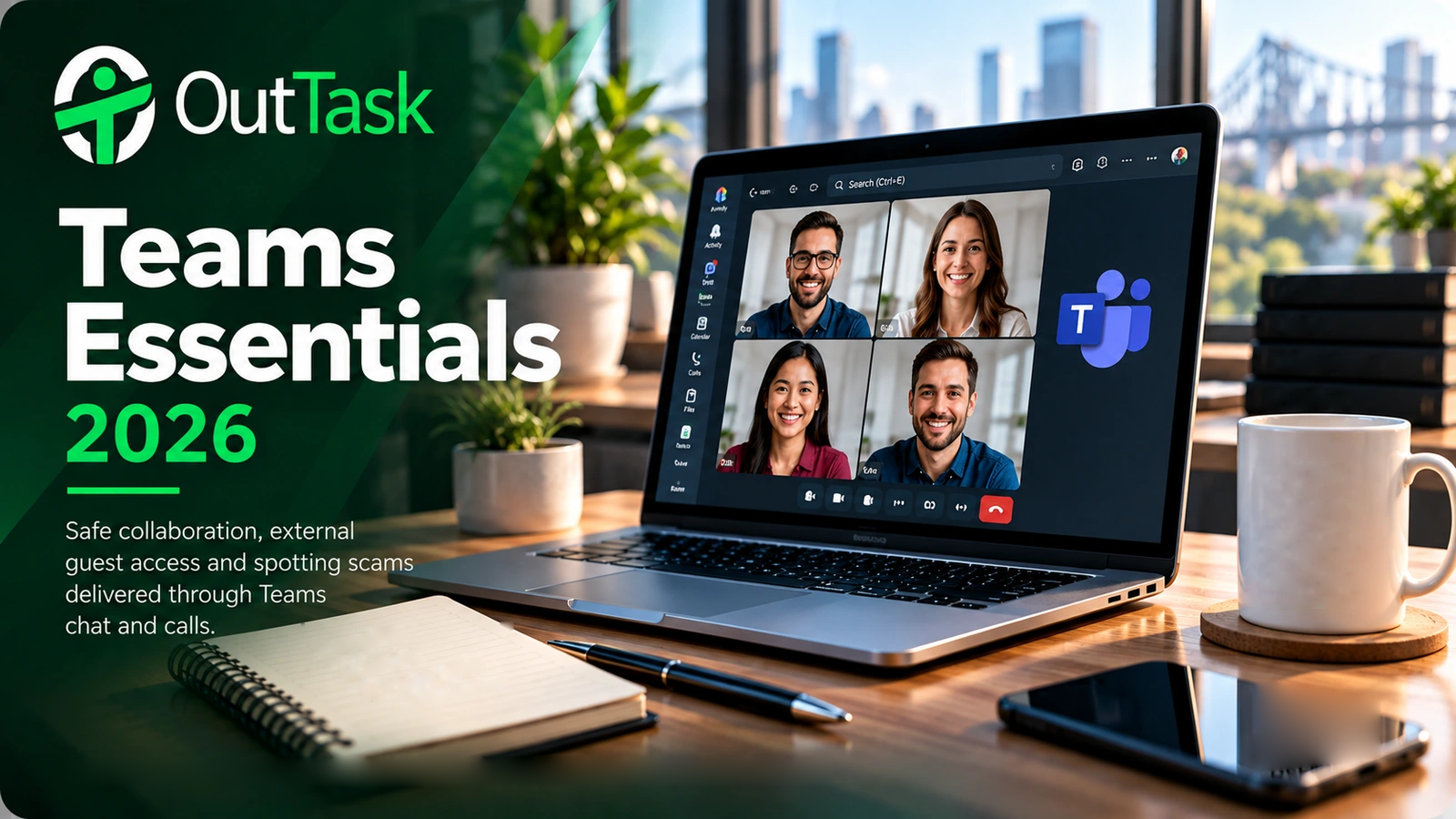
Safe collaboration, external guest access and spotting scams delivered through Teams chat and calls.

Coming soon

Outlook Essentials 2026

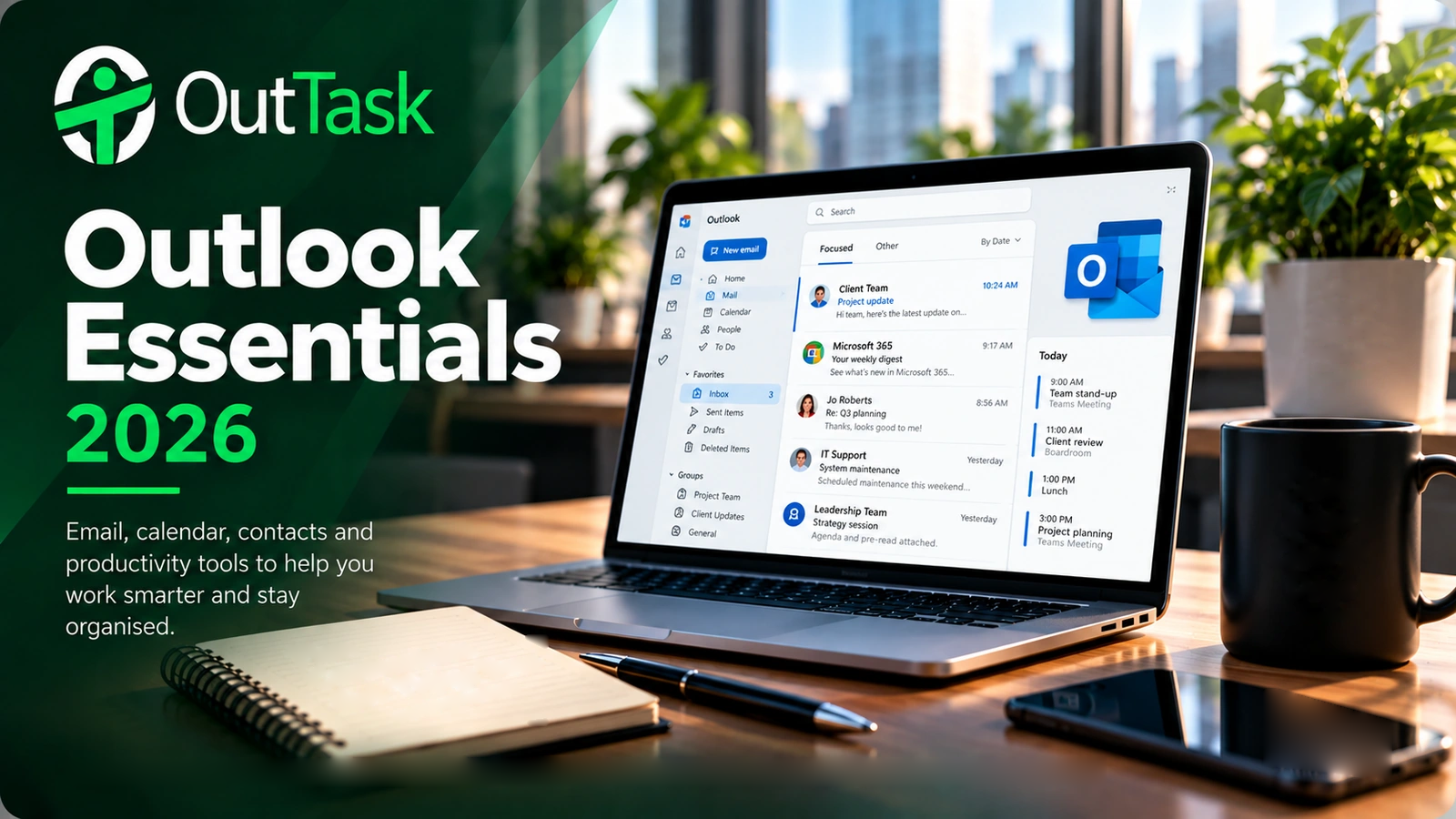
Email hygiene, attachment and link safety, and recognising business email compromise attempts.

Coming soon

OneDrive & SharePoint Essentials 2026

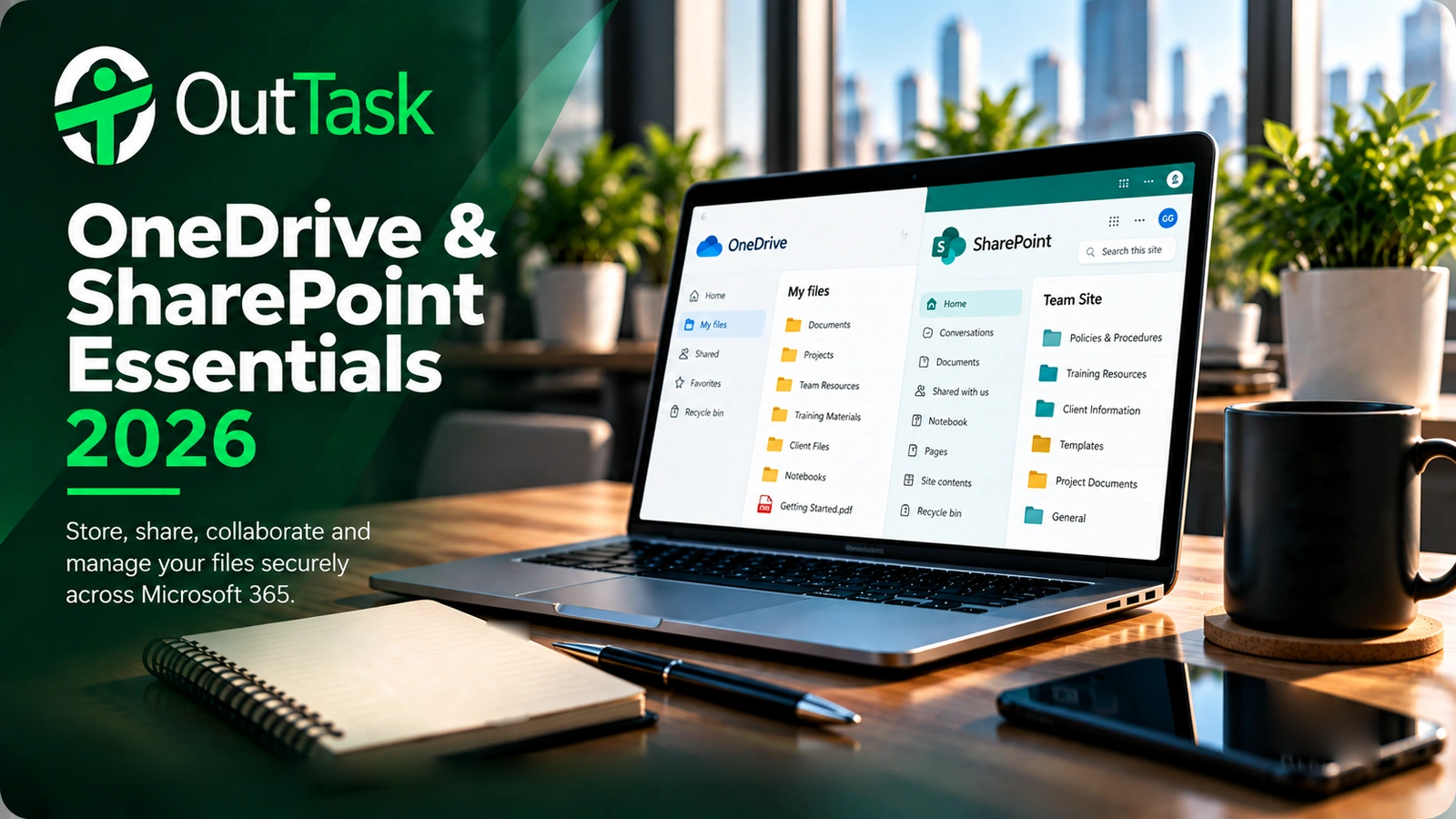
Sharing files safely, avoiding accidental external exposure, and keeping company data where it belongs.

Coming soon

Coming soon: simulated phishing campaigns to test and reinforce what your team has learned.

How it works

Training Hub is built to run itself once it's set up — for you and for your employer clients.

A

Employees get a personal link

No accounts or passwords to remember — each employee receives a private link by email and starts straight away.

B

Progress saves automatically

Employees can leave and come back any time. Modules, assessment attempts and results are all saved as they go.

C

Results land on the dashboard

Client administrators see status at a glance and can export full results to CSV whenever they need to.

Built for employers, and for OutTask to manage

Every client organisation gets its own branded space, its own administrator, and its own reporting — kept completely separate from every other client on the platform.

•

Company branding

Your logo and support details appear throughout your team's training experience.

•

Client-specific examples

Course content can reference your company name and domain directly, so scenarios feel relevant, not generic.

•

Retained history

Every assessment attempt is kept on record — useful for audits, insurance and compliance conversations.

See it running with your own branding

We'll walk you through a live demonstration tenant — no setup required on your side.

Request a demonstration